



Launchpad has been dropped in macOS Tahoe and it is either greatly missed, or dismissed with a shrug. If you’re the former, there are things you can do to get it (mostly) back.
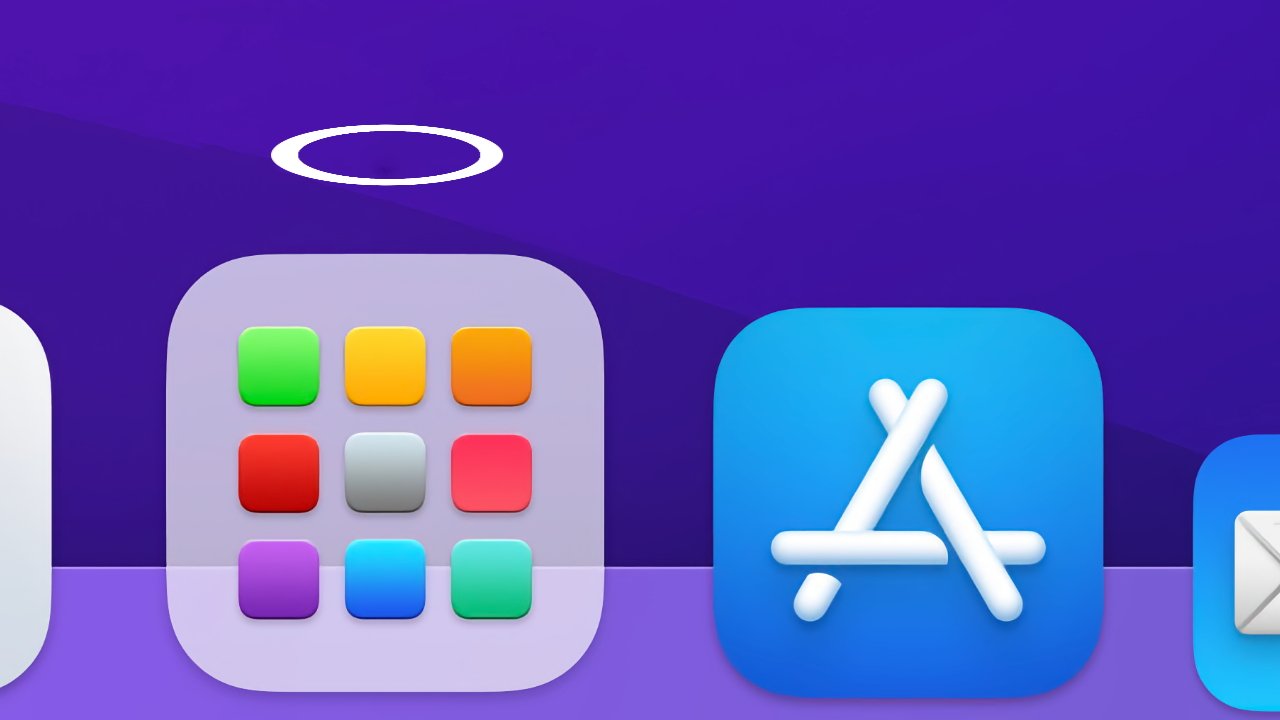
Some people miss Launchpad. For some reason.
Just in case you either have no idea what Launchpad was, it did once seem like it was going to be an essential Mac tool. In 2021, AppleInsider even answered readers’ questions with a guide to how to set it up and make the most of it.
As that guide explained, Launchpad was an icon in your Dock and clicking on it brought up an overlay on your screen. In front of whatever you were working on, you now had this whole screen full of very large app icons and a very small search bar at the top.